
QuickBooks integration
Connect QuickBooks and your spend data arrives in Gaia ready to become spend-based Scope 3 emissions, with nothing re-keyed.
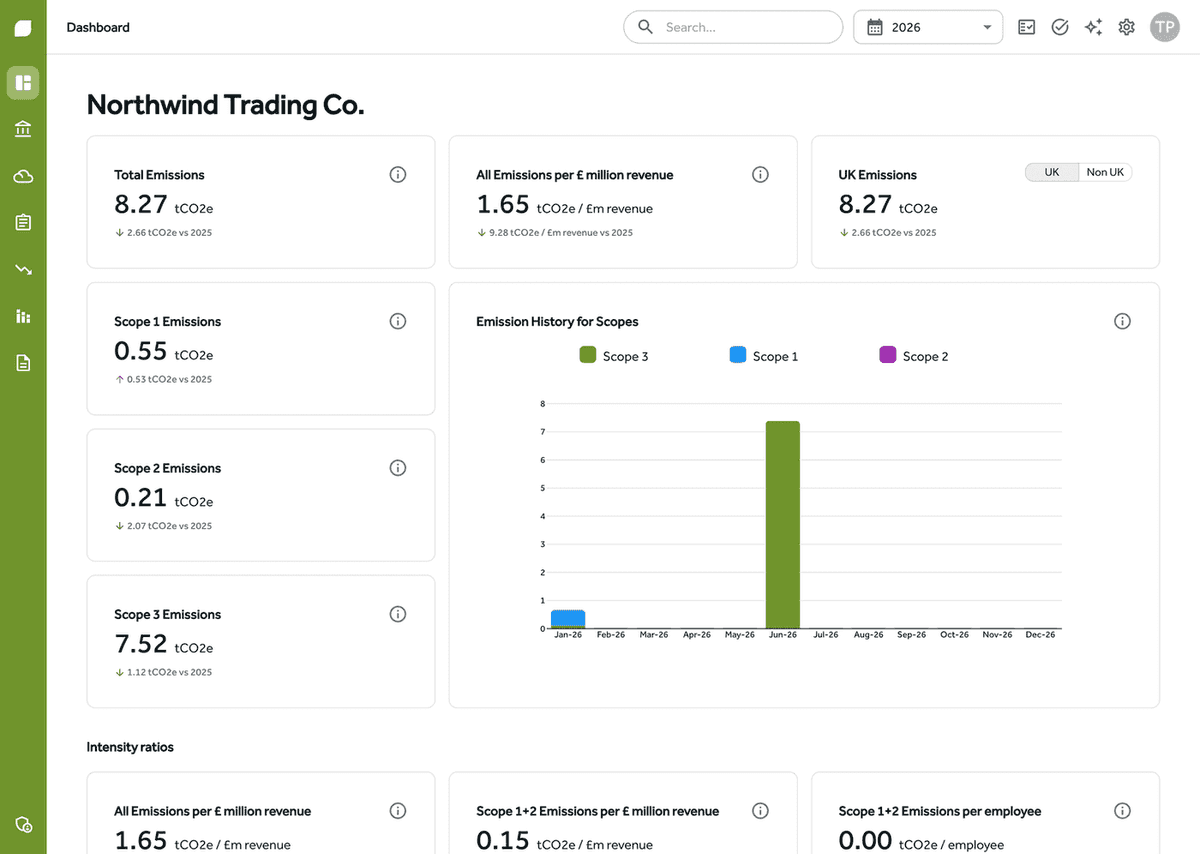
From QuickBooks transactions to Scope 3 emissions
Most companies' Scope 3 baseline starts with what they buy. Yours is already recorded in QuickBooks.
Your purchase ledger becomes your baseline
Gaia imports your transactions from QuickBooks and calculates emissions from the amounts you have already recorded, giving you a spend-based Scope 3 baseline without exporting a single CSV. Spend factors are published against a price year, so Gaia adjusts your figures for inflation to that year using CPI data, in line with GHG Protocol Scope 3 guidance, and every adjustment is recorded and auditable.
Map each nominal code once
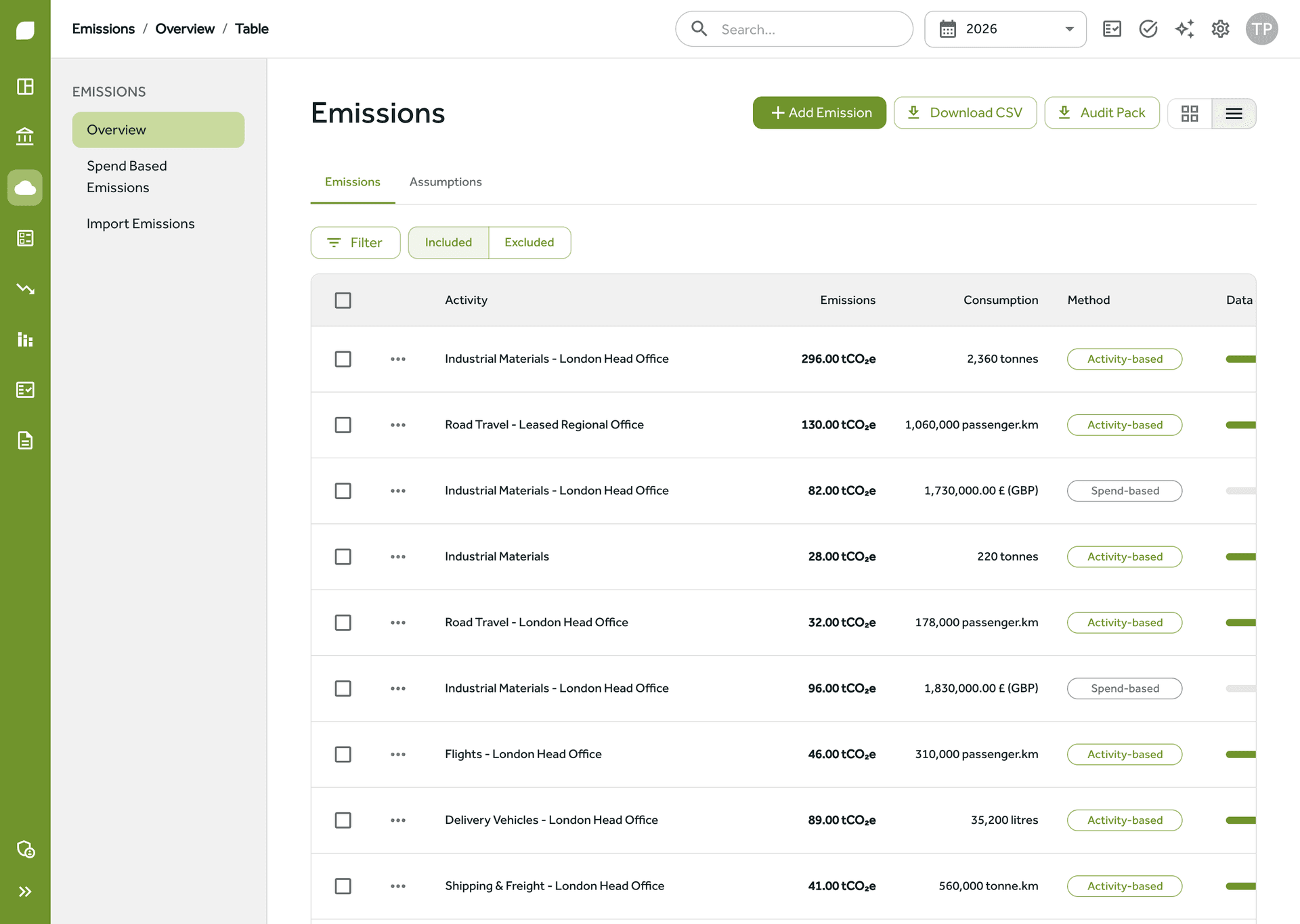
Rather than categorising transactions one by one, you map each nominal code in your QuickBooks chart of accounts once: to an activity, to a category group, or excluded. Every future import then categorises itself. Wages, VAT and depreciation can be excluded so they never inflate the footprint, and a changed mapping applies to future imports only, so history is never quietly rewritten.
Calculated against published UK factors
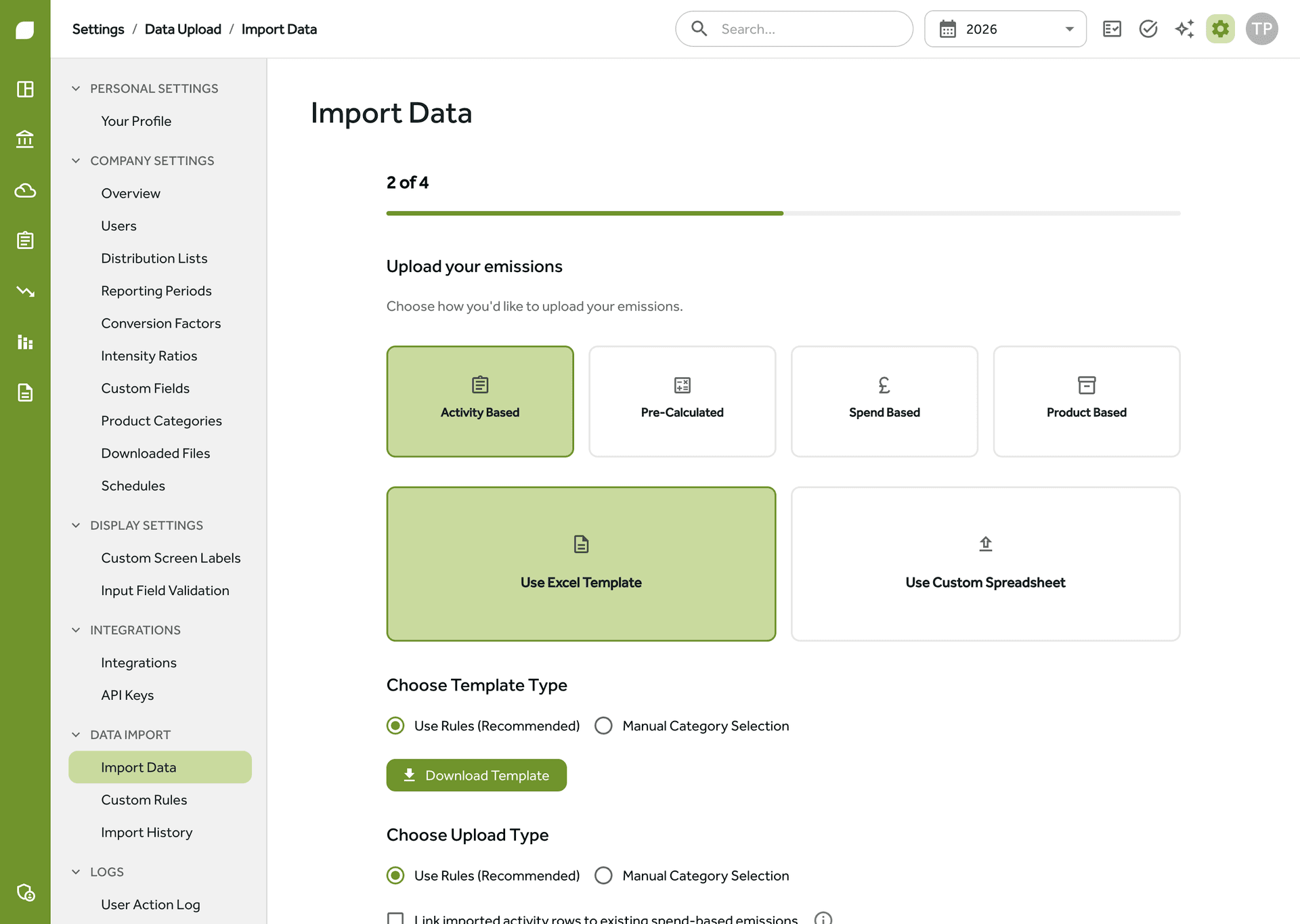
Transactions from QuickBooks are multiplied by the UK Government's published conversion factors, and every emission in Gaia shows its calculation method, so the numbers stand up in an audit and in your SECR report.



See the QuickBooks integration in action
Bills, meters and everything QuickBooks doesn't hold
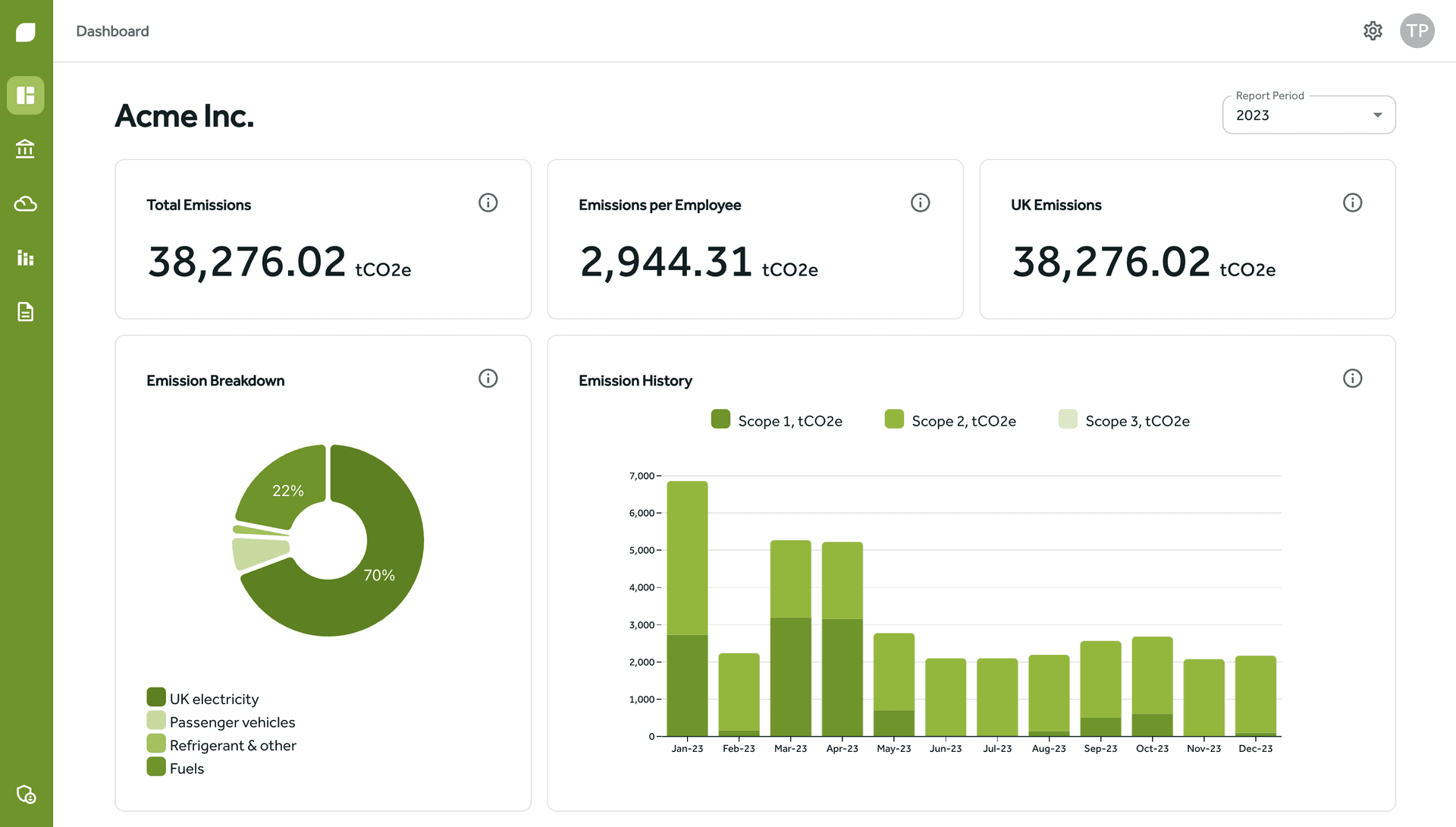
Your ledger covers what you buy, not what you burn. For the rest, upload an electricity, gas or fuel bill as a PDF or a photo and Gaia reads the consumption from it; a person confirms every extracted figure before it counts, and the bill stays attached to the emission as audit evidence. Together with your QuickBooks spend, that gives you Scope 1, 2 and 3 in one place.
QuickBooks integration FAQs
How does the QuickBooks carbon accounting integration work?
You connect your QuickBooks account to Gaia and your transactions come across automatically. Each one is categorised through your chart of accounts mapping and converted to emissions using published UK conversion factors, giving you a spend-based Scope 3 figure from data you already keep.
Do I have to categorise every transaction by hand?
No. You map each nominal code in your chart of accounts once, and every import after that categorises itself. Codes that should not carry emissions, such as wages, VAT and depreciation, can be excluded so they never inflate your footprint.
Is spend-based Scope 3 accurate enough for reporting?
Spend-based calculation is the recognised GHG Protocol starting point for Scope 3, and Gaia is honest about data quality: every figure carries a quality tier, and you can replace spend-based entries with activity data supplier by supplier as your programme matures.
Which plans include the QuickBooks integration?
Accounting integrations are included on the Pro and Enterprise plans. See pricing for what each plan covers.